Feb 10

Tagged in: , Comments: 67

CSS3 Examples and Best Practices

CSS3 Examples and Best Practices

The CSS3 trend is getting more and more popular. In fact CSS3 new features open a lot of new possibilities. Check out my previous post on "CSS3 Animation Demos" to see the things that you can do with it. However, don’t get too excited so soon because it is not fully supported by all browsers yet. But this doesn’t mean you shouldn’t use it at all. So, when should you use CSS3 new features? Well, continue on this post to see some excellent examples.

Delicious Stumbleupon Digg

Feb 03

Tagged in: , Comments: 120

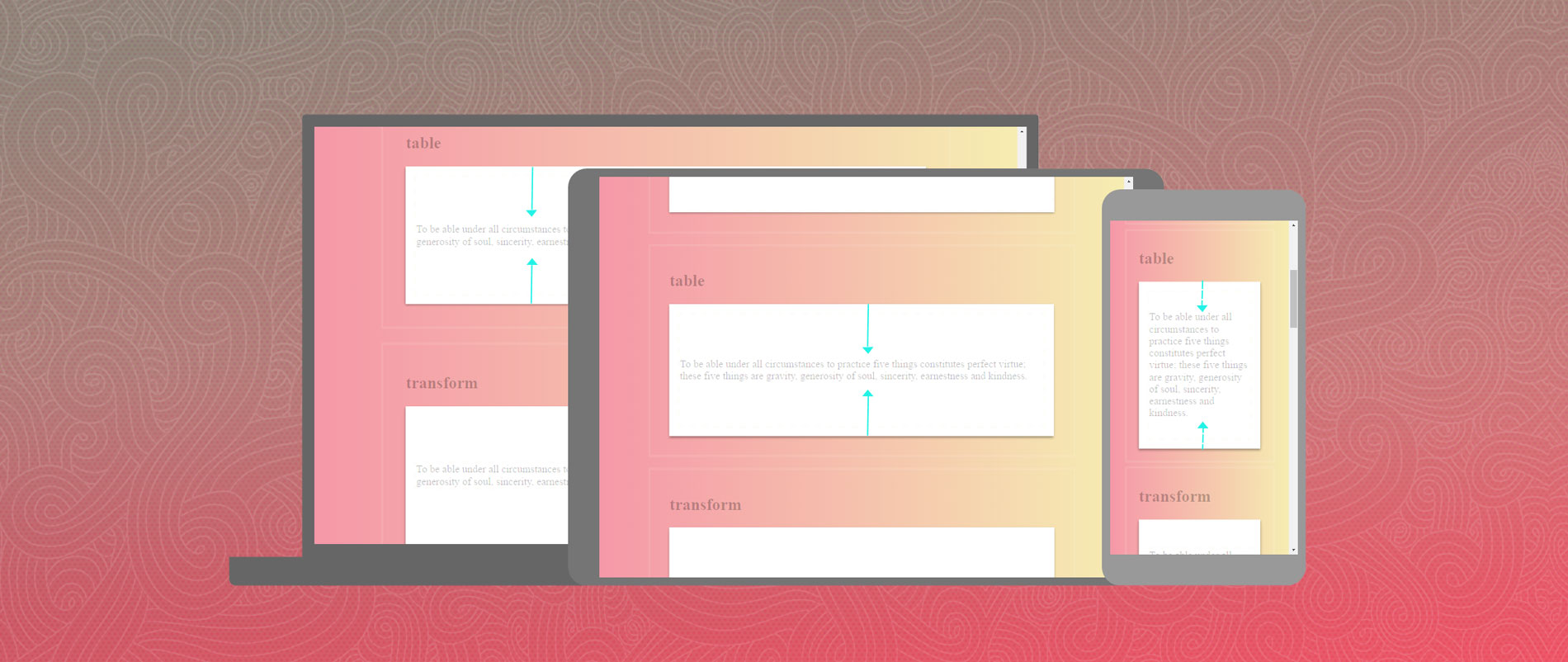
47 Amazing CSS3 Animation Demos

47 Amazing CSS3 Animation Demos

Here is a compilation of 47 jaw-dropping CSS3 animation demos. They demonstrate the possibilities of the CSS3 transform and transition property. Some are very useful and can be used as Javascript alternatives. Most of them are simply to look cool. In order to veiw these effects, you need a webkit browser such as Safari and Chrome (sorry to the Internet Explorer users). Enjoy!

Delicious Stumbleupon Digg

Jan 21

Tagged in: , Comments: 170

Design Trends (Predictions) in 2010

Design Trends (Predictions) in 2010

As we are stepping in a new decade, I can foresee that web design in 2010 is going to be fun and filled with experimental works. With the new CSS3 and HTML5, designers and developers are trying to utilize the new features to create impressive designs. Sketchy and large background styles are fading out. Serif fonts and texturized background will be popular. Thanks to CSS3, we are going to see a lot of rounded corners, RGBA transparency, and drop shadows. With the rise of smart phones, mobile web design is going to pick up this year.

Delicious Stumbleupon Digg

Dec 10

Tagged in: , , Comments: 167

Best of CSS Design 2009

Best of CSS Design 2009

Since 2007, every year I do a round up of best of CSS from Best Web Gallery (check out 07 and 08 collection). Well, it is the time of the year again — Best of CSS Design 2009. This year I’ve selected another 50 nicely designed web sites. Among the list, I notice a lot of them are minimalistic design with beautiful serif fonts. The grungy and sketchy styles are still strong. However, the large background is no longer as hot as in 2008, instead, texturized background is popular in 2009.

Delicious Stumbleupon Digg

Nov 18

Tagged in: Comments: 202

Coding Clean and Semantic Templates

Coding Clean and Semantic Templates

If you are the guy who uses <div> tag for everything, this post is for you. It focuses on how you can write clean HTML code by using semantic markups and minimize the use of <div> tag. Have you ever edited someone’s templates, don’t those messy tags drive you crazy? Not only writing clean templates can benefit yourself, but your team as well. It will save you time when you have to debug and edit (particularly the large projects).

Delicious Stumbleupon Digg

Nov 09

Tagged in: Comments: 203

5 Simple, But Useful CSS Properties

5 Simple, But Useful CSS Properties

This post is about 5 useful CSS properties that you should be very familiar with, but will most likely rarely use. I’m not talking about the new fancy CSS3 properties. I’m referring to the old CSS2 properties such as: clip, min-height, white-space, cursor, and display that are widely supported by all browsers. So, don’t miss this post because you might be surprised how useful they are.

Delicious Stumbleupon Digg

Sep 10

Tagged in: , , Comments: 126

CSS: Design Out Of The Box

CSS: Design Out Of The Box

Are you tired of your typical columned and boxed layout? It is time to learn how to break out of the box and do something creative. In this post, I’ve collected some of the best examples that are designed out of the box. I’ve also provided some quick CSS tips with demo files on how to break out of the box by creatively using background images and the CSS position property.

Delicious Stumbleupon Digg

Apr 30

Tagged in: , Comments: 116

Maximize the Use of Hover

Maximize the Use of Hover

Usually, we create hover effects by changing: font color, font styles, border styles, background, and etc. But there are a lot more that we can do with hover. We can use hover to beautify design, minimize clutter, and display additional information. In this article, I’m going to provide various examples of websites that maximize the use of hover. Also, I will provide several quick tutorials on how to create different mouse hover effects. So, read on.

Delicious Stumbleupon Digg

Page 2 of 4«1234»

Back to top